
Admin UI
- Added
- Updated
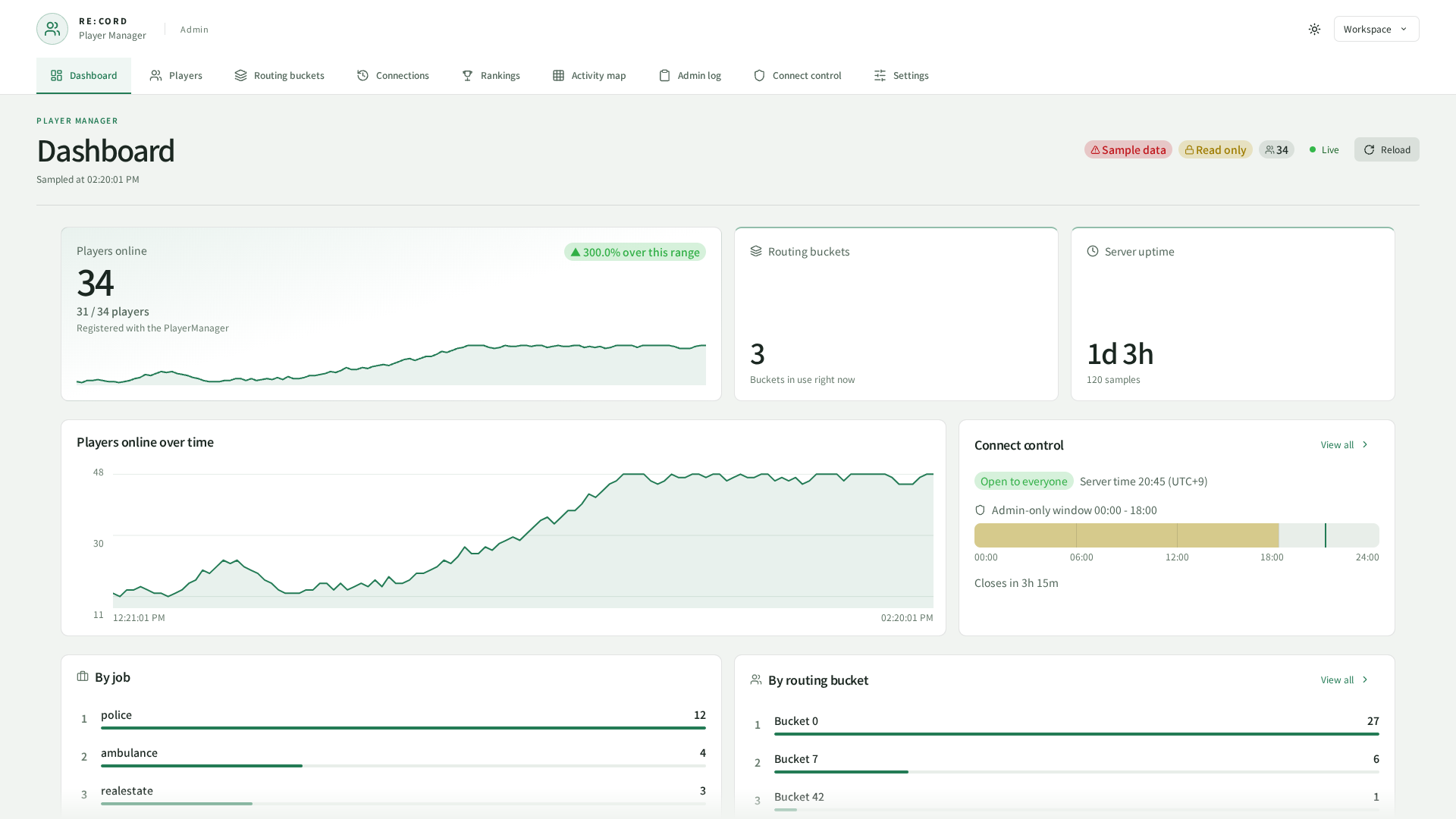
Captured from the current UI in a browser using sample data.
What this gives you: the screen you actually manage people from.
There are two ways in. Both show the same thing.
| In-game (NUI) | Browser | |
|---|---|---|
| How to open | /playermanager | http://<host>:30120/REC_PlayerManager/ |
| Who gets in | A grant | An access token |
| Out of the box | On | Off |
| Setup needed | None | See below |
/playermanager is all you need, skip the browser section entirely.Nine pages share one sidebar.
| Page | What you use it for |
|---|---|
| Dashboard | Who is on right now, and how the player count has moved |
| Players | Everyone connected. Kick, message, move a bucket |
| Routing buckets | Which buckets exist and who is in them |
| Connections | Who connected and how long they stayed |
| Rankings | Your regulars — total hours, visits, average session, time away |
| Activity map | Where people actually spend their time |
| Admin log | What your staff did, and when |
| Connect control | Maintenance, staff-only hours, reserved slots |
| Settings | Everything this page tells you to set |
Settings
What this gives you: one place that is the truth, instead of a file and a database row that can disagree.
The tracking interval, the join gates, retention, the admin log and the whole activity map are declared by the resource and changed here. What the page shows is what the server is running.
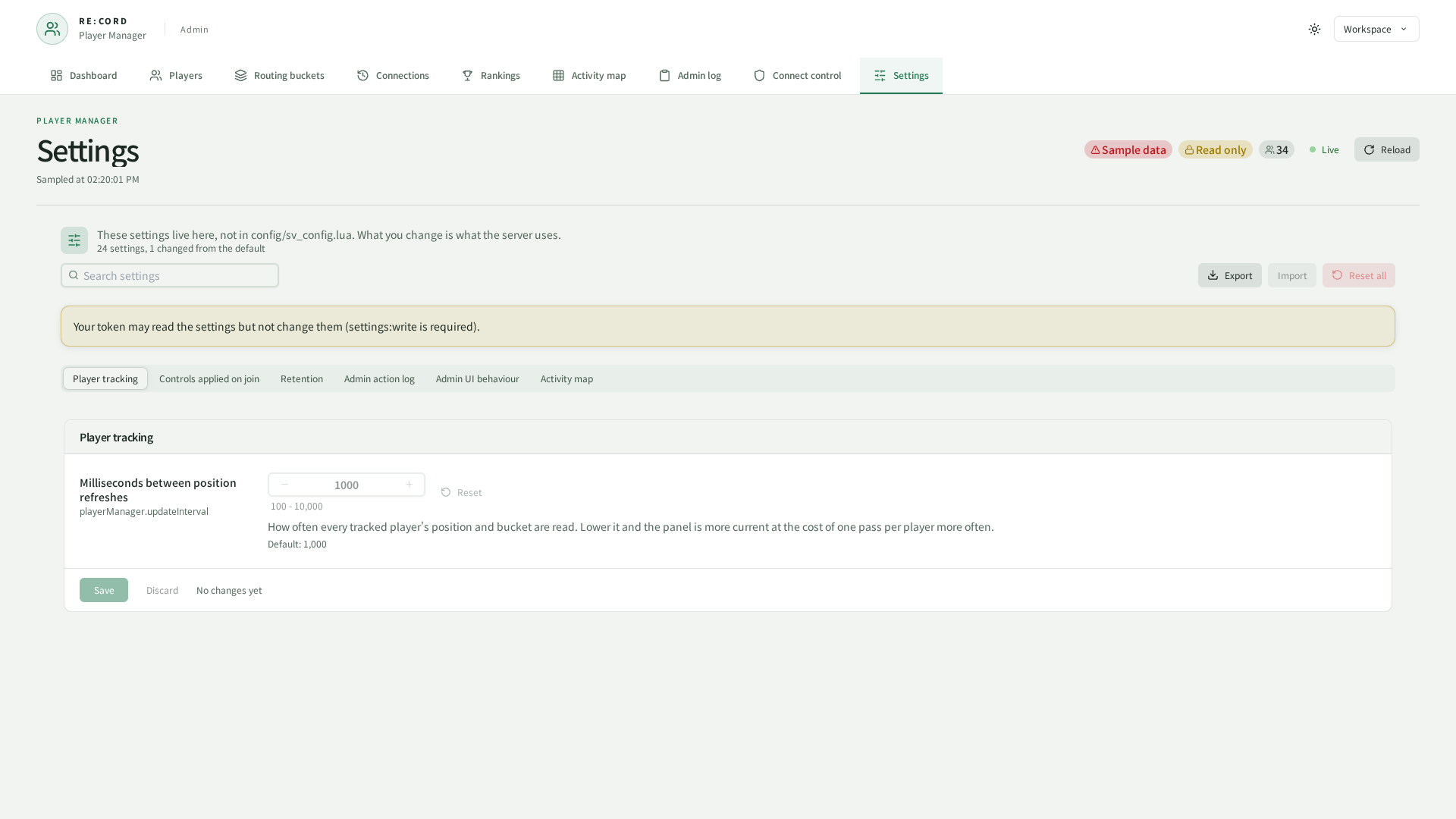
| Risky | Asked about before it is written, because it stops something being recorded or deletes rows that cannot be brought back |
| Needs a restart | Read once at boot, so the running server keeps the old value until you restart the resource |
| Default | Printed under every setting, and one click puts it back |
The heatmap geometry and its two timers are the ones flagged as needing a restart, since they are read once when the sampler starts.
rec_config_overrides, a table that ships with REC_Library and is shared by every RE : CORD panel. Import it once from the REC_Library page. Without it the panel still works, but what you change is forgotten on the next restart.Who gets in
What this gives you: the look-but-don't-touch moderator you used to build out of two ACE lists, now in one entry.
Access is granted per area, and this resource has four: players, sessions, server and settings. Each one splits into :read and :write, so players:read opens the roster while players:write is what kicks, messages and moves buckets. Flipping maintenance is server:write.
config.web = webConfig:build(config.debugMode, {

    ---@type REC_Library.Server.Class.Web.WebConfig.Grant[]
    grants = {
        { ace = "support", scopes = { "read", }, },
        { job = "police", ranks = { [3] = true, [4] = true, }, onDutyOnly = true, scopes = { "players:read", }, label = "police", },
    },
})
"read" is every area's read half, a bare area ("players") is both halves of that one, and "*" is everything. The old aceGroups.view is a grant without writes; the old aceGroups.manage is one that carries them.
REC_Library already grants the admin ACE full access, and your entries are added on top of that list rather than replacing it, so narrowing a grant here can never lock an admin out. Every entry that matches contributes its scopes, and somebody matching two of them gets the union. There is no deny form — to take something away, stop granting it. Naming an ace and a job in one entry means the player needs both.
config.web.http.readOnly = true refuses every write over the browser route no matter what the token carries. The in-game screen is unaffected.Rankings
Rankings are built from finished sessions, so somebody's current session is added when they disconnect rather than counting live. The page ranks the top 25 / 50 / 100 / 200 by total hours, and the search box filters what has already loaded rather than running a fresh query.