
Admin UI
- Added
- Updated
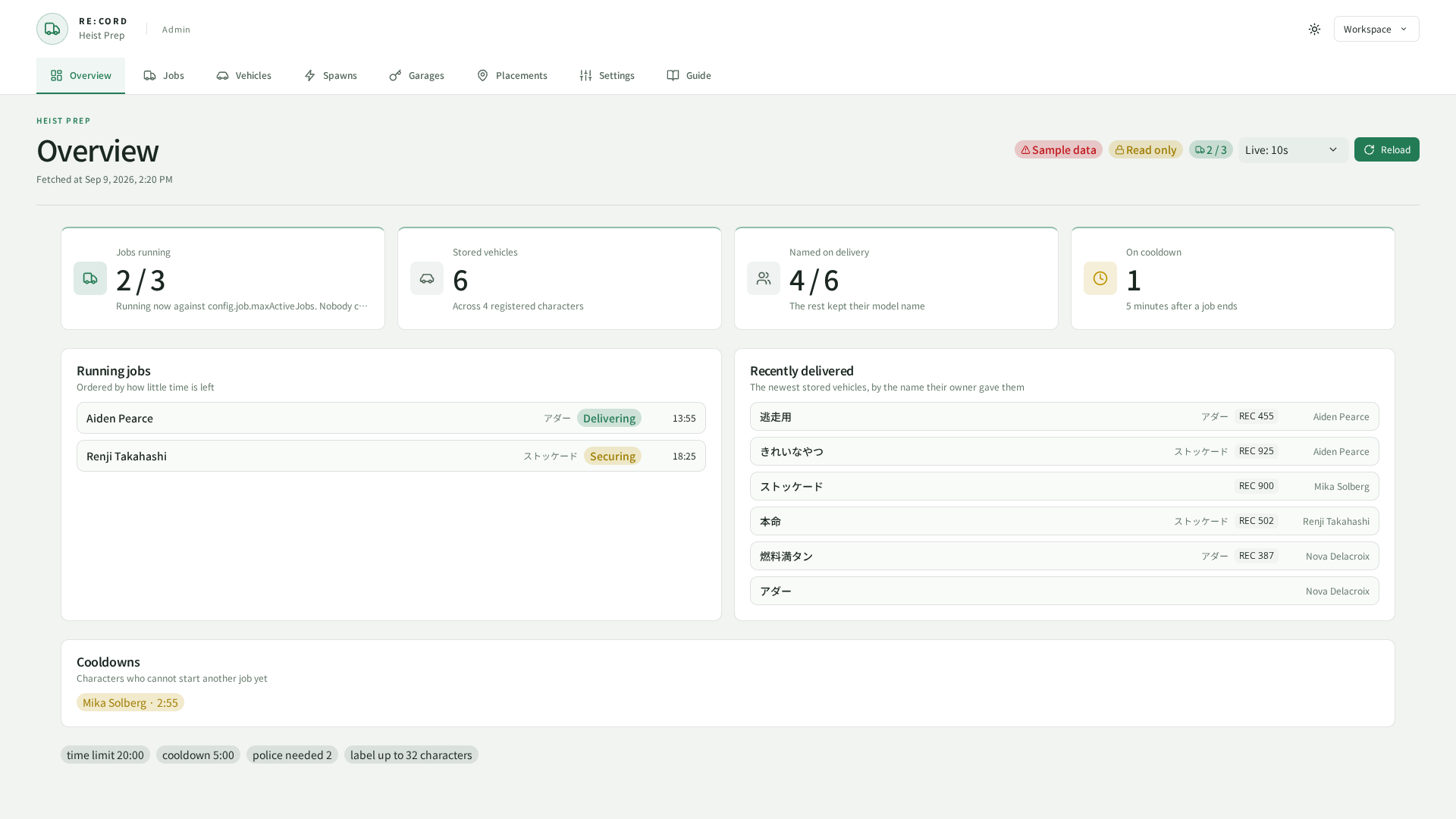
Captured from the current UI in a browser using sample data.
Open /preppanel in game.
Allow the command.preppanel ACE and grant the required scopes through config.web.grants or shared REC_Library grants.
Permission areas are jobs / vehicles / garages / spawns / config / settings.
The browser URL is http://<host>:30120/REC_HeistPrep/.
Enable config.web.http.enabled, configure allowed addresses, and set a token.
See REC_Library for shared token settings.
set REC_HeistPrep:adminToken "REPLACE_WITH_A_RANDOM_TOKEN_OF_AT_LEAST_32_CHARACTERS"
48 characters, generated in your browser. Nothing is sent anywhere.
Replace the placeholder with a generated token. For remote access, protect the connection with a VPN, SSH tunnel, or HTTPS reverse proxy.
Garage and spawn management
Use the Garages page to create or edit garage definitions, choose an interior preset, place the kiosk and entrance, and configure capacity and price. Ownership operations use the garages area; spawn-mode changes use spawns. Vehicle models and garage configuration use config.
The in-game placement tool temporarily closes the panel, previews the selected entity and returns coordinates when confirmed. Controls, preview models and timeout are configured in config.job.placer.
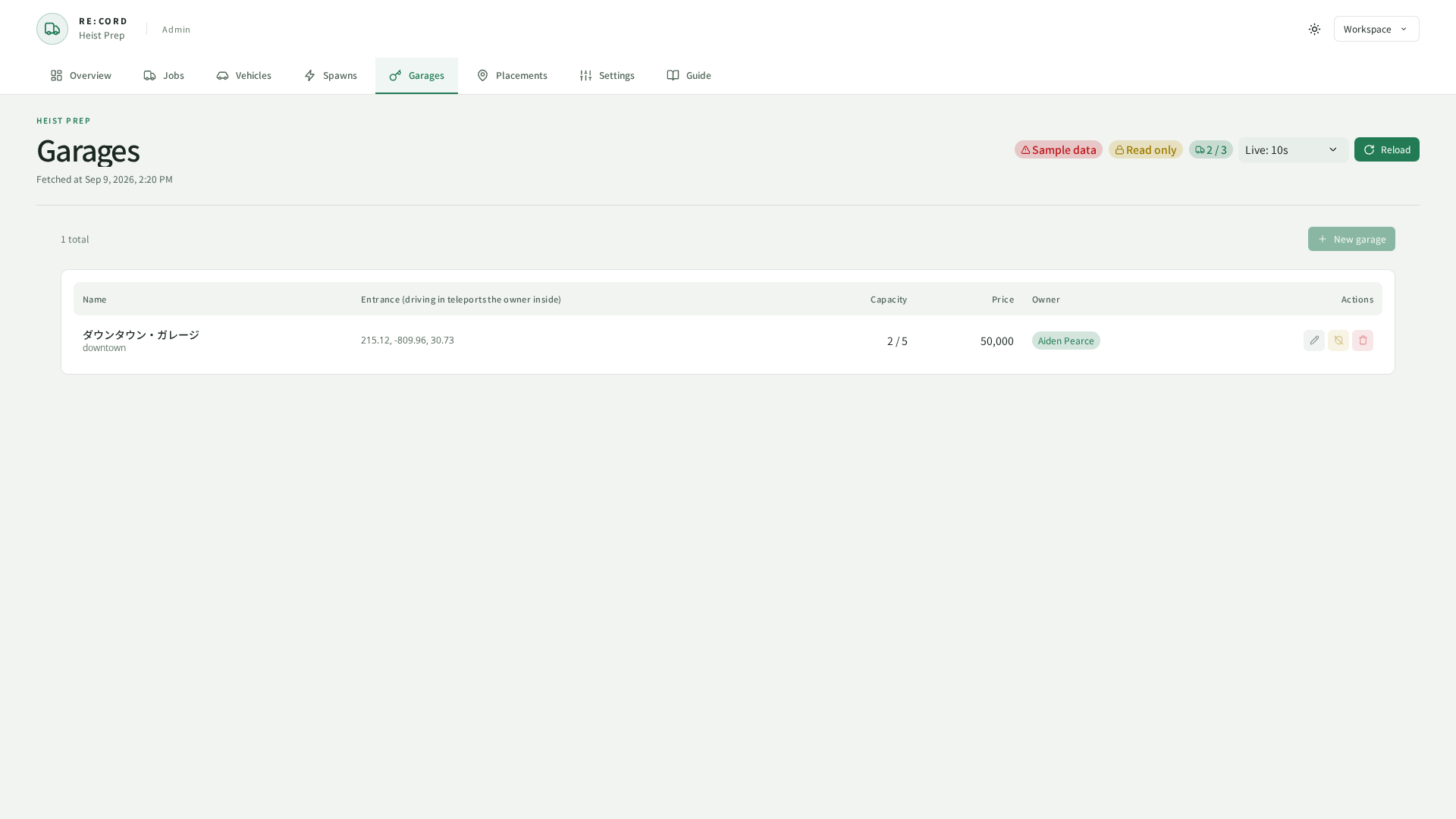
Captured from the current UI in a browser using sample data.