
Getting told when something is wrong
- Added
- Updated
What this gives you: you find out about a dupe or an emptied group account without having to go looking.
Every time the figures are re-checked, they are compared with the last check. Anything that moved further than it should be able to gets recorded.
| Kind | What it catches | Out of the box |
|---|---|---|
supply | The whole server's money jumping | 2% and 5,000,000 |
society | A group account being drained | 500,000, drops only |
player | One character gaining a fortune | 1,000,000, gains only |
anomaly | Somebody moving far more than they normally do | 6σ over their own average |
The server-wide check needs both thresholds crossed at once. A percentage alone is noisy on a small server, a fixed amount alone is noise on a big one; needing both keeps it quiet until something real happens.
anomaly is the one that needs no tuning. Any fixed amount is wrong for somebody: on a rich server it never fires, on a poor one it never stops. So instead, each character is measured against their own normal. Someone who usually moves 20,000 gets flagged at 200,000; someone who routinely moves millions does not. It takes minSamples movements to learn a person's normal, minAmount stops small-change players being flagged over small change, and alpha controls how fast that normal adapts — lower is slower and harder to game by padding it deliberately.
Every threshold above is on the Settings page. The Discord webhook is the one piece that stays in the config file, because a read-only token can open the panel and a webhook URL is a credential:
config.alerts = {

    webhook = {

        ---@type string
        url = "",

        ---@type string
        userName = "REC_Economy",
    },
}
Watching one person
What this gives you: a complete record of one suspicious character, without recording everybody.
Add a character to the watchlist and every single payment they make or receive is written down. Entries expire on their own, and there is a cap on how many you can have at once — that is what keeps this affordable.
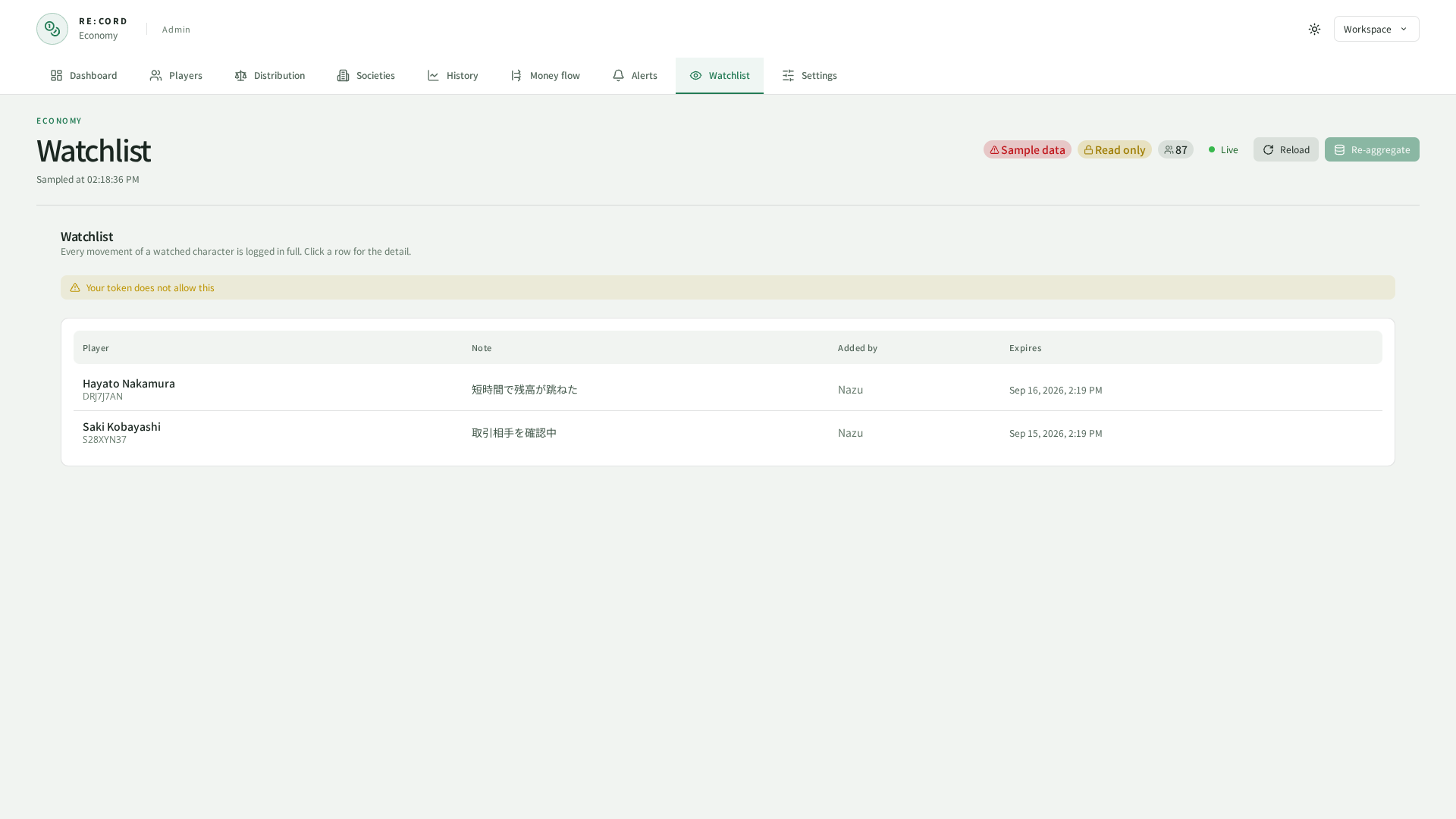
Recording stops after watchlist.defaultDays, and what was recorded is deleted after watchlist.keepDays. Both sit on the Settings page next to watchlist.maxEntries.
A summary in Discord
What this gives you: the state of your economy shows up in a channel, so nobody has to remember to check.
The scheduled report posts on the interval you set. report.targetSinkRatio is the balance you are aiming for as a percentage — at 100, your server destroys as much money as it creates — and the report tells you whether you hit it. Schedule and target are on the Settings page, and only the webhook stays in config.report. Leaving its URL empty reuses the alerts one.
Images show the current UI captured in a browser using sample data.